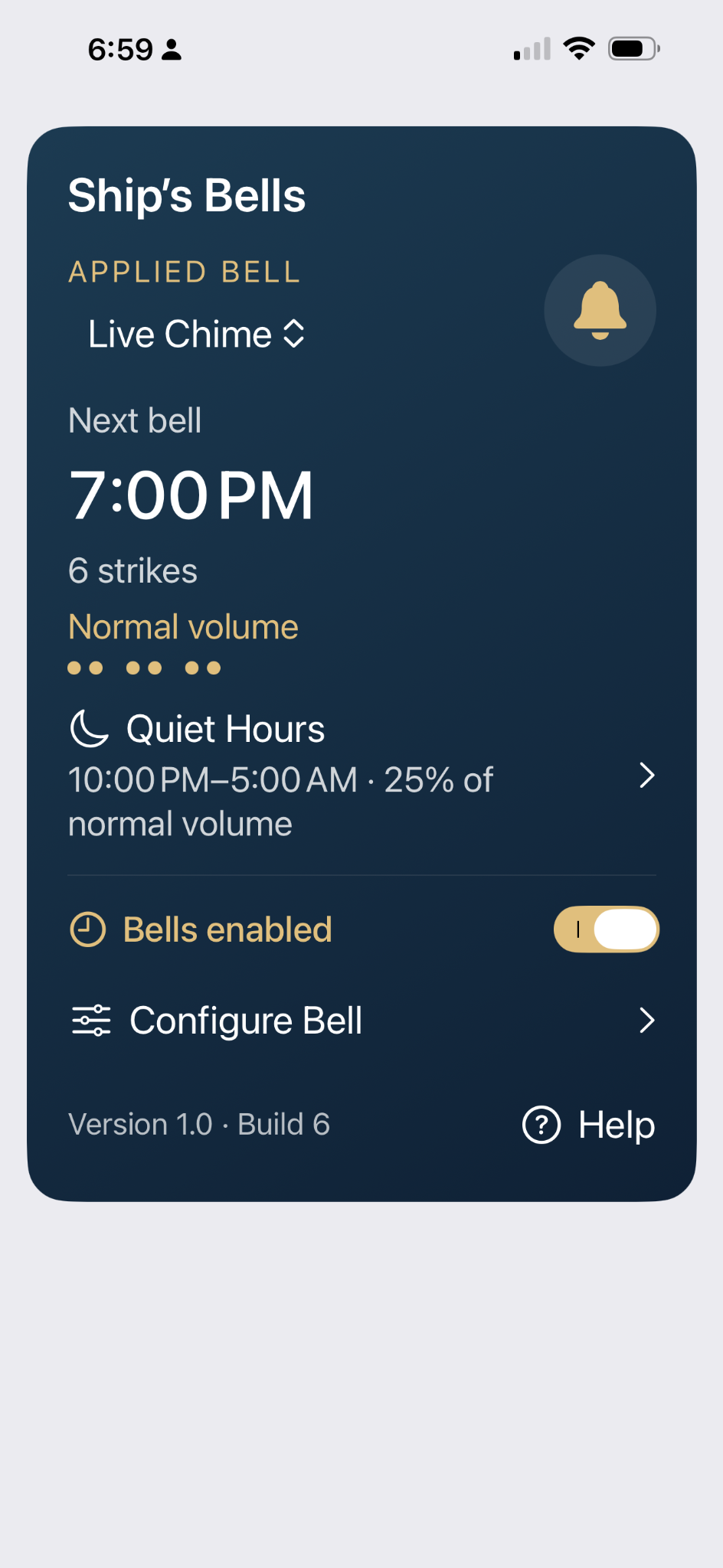
Main screen
See the applied bell, the next strike time, quiet-hours status, and whether the clock is enabled.
Classic time. Anywhere.
ShipsBells rings the traditional ship’s bell pattern every half hour, with the sound and timing you choose.
Simple and flexible
See the applied bell, the next strike time, quiet-hours status, and whether the clock is enabled.
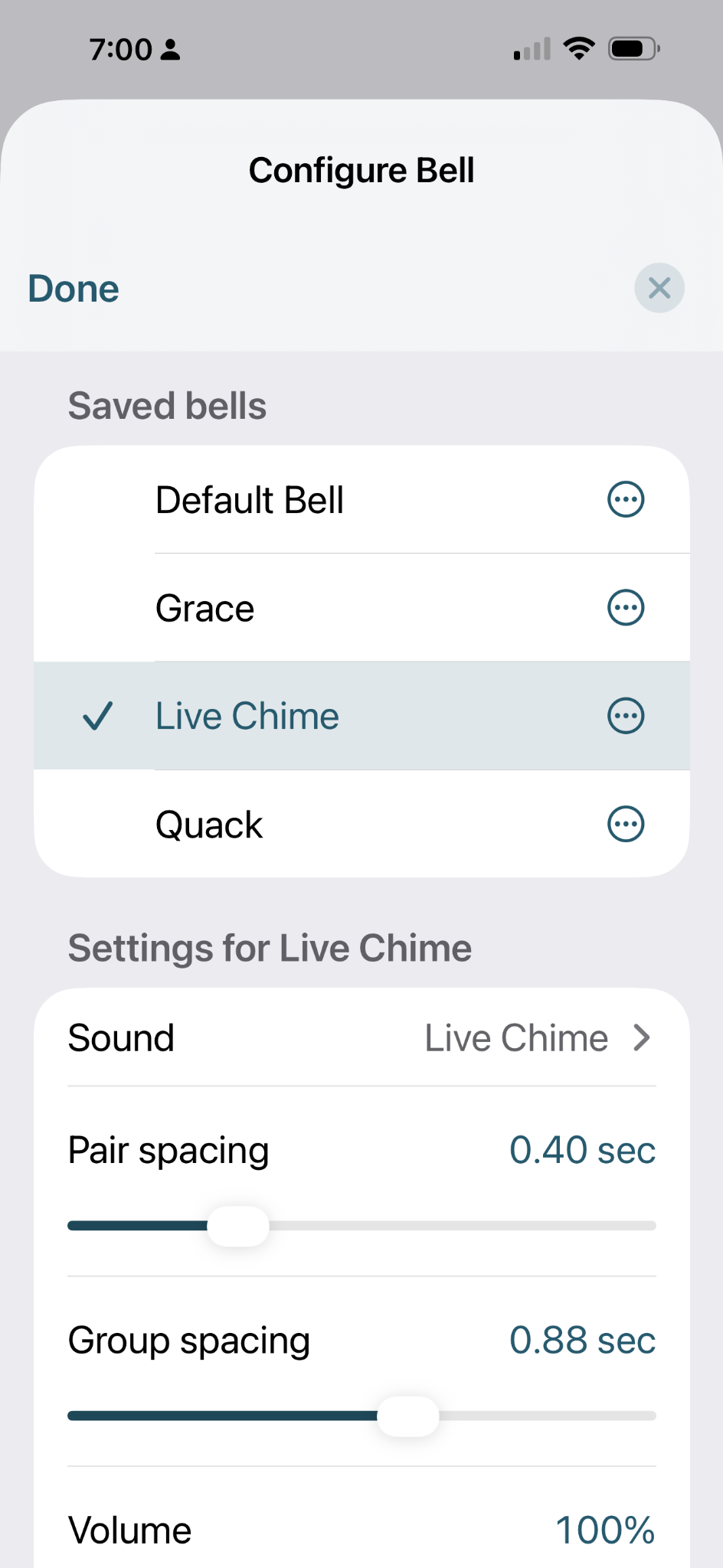
Choose a saved bell, select its sound, and adjust pair spacing, group spacing, and volume.
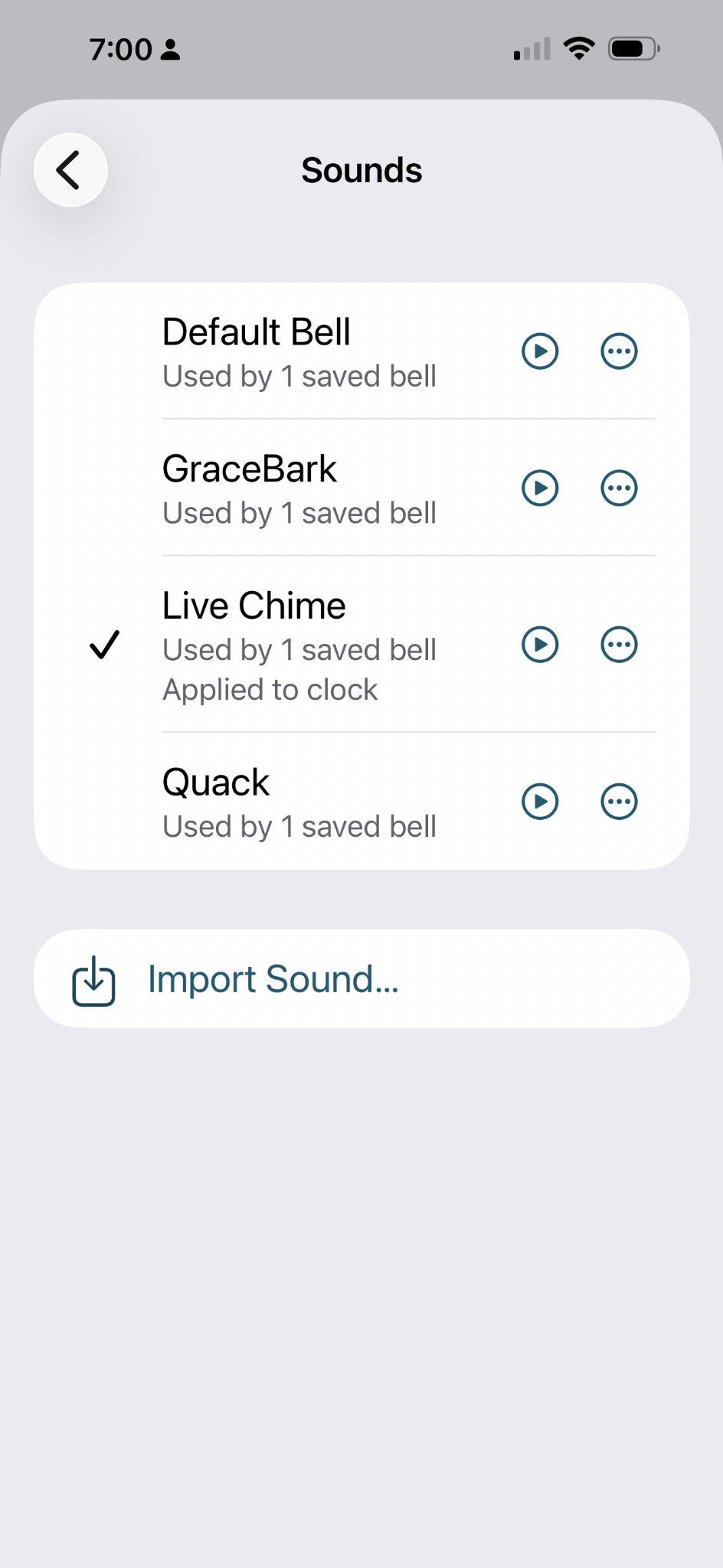
Preview the built-in sounds, see which bells use them, or import your own recording.
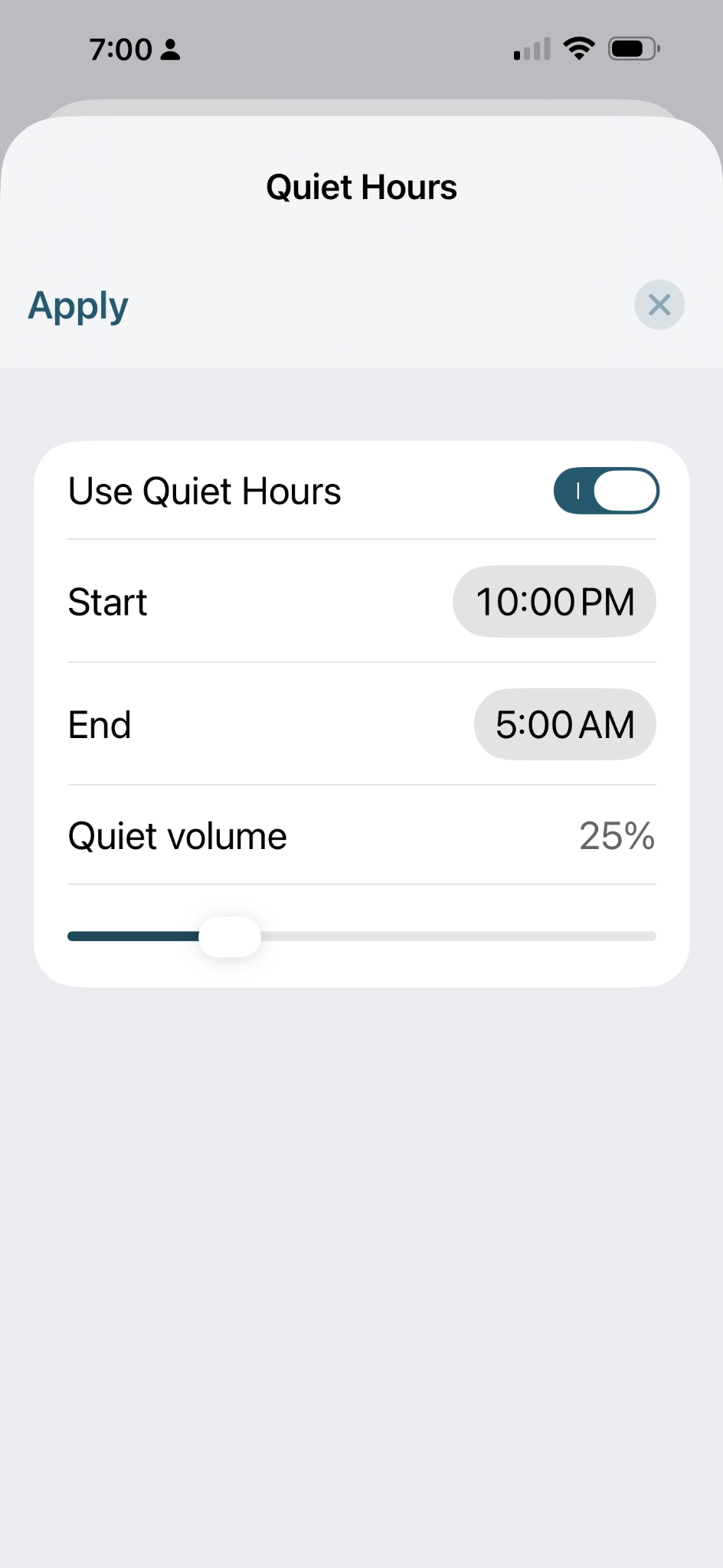
Choose a start and end time and automatically reduce the bell volume overnight.
Make it yours
ShipsBells lets you import short audio files and use them as the basis for your clock. A traditional bell works beautifully, but a chime, a dog bark, or another short sound works too.
You can save multiple bell setups, switch between them, and share a saved bell with another ShipsBells user.
Try ShipsBells
The install page walks you through TestFlight and then the ShipsBells beta invitation.
Questions?
App support
support@shipsbells.app
General information
info@shipsbells.app